- Published on
A visit to my old school
- Authors

- Name
- Wout Van Brussel
- @VanBrusselWout
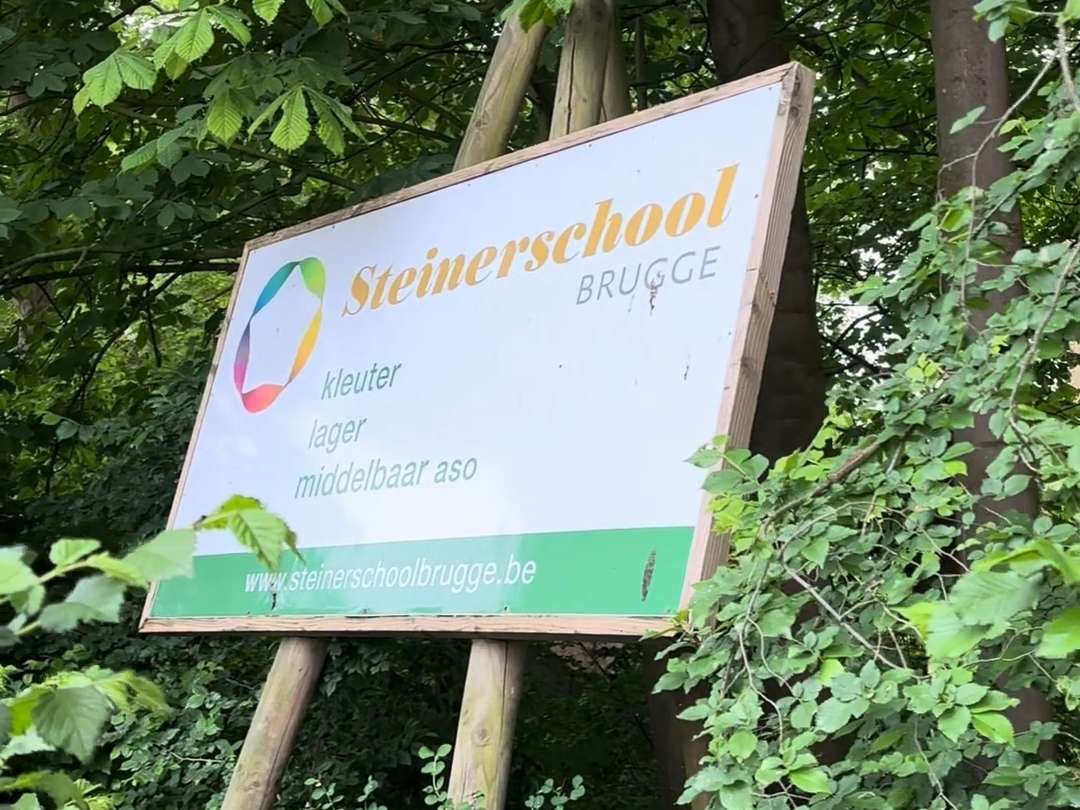
Today, May 21st, I had the opportunity of visiting my old school to give a presentation about Cybersecurity. From my many years attending classes there, I knew that computers and cybersecurity were not their strong suits. My goal was to help the senior students prepare for their future studies and understand how to protect themselves online.
Arrival and Preparation
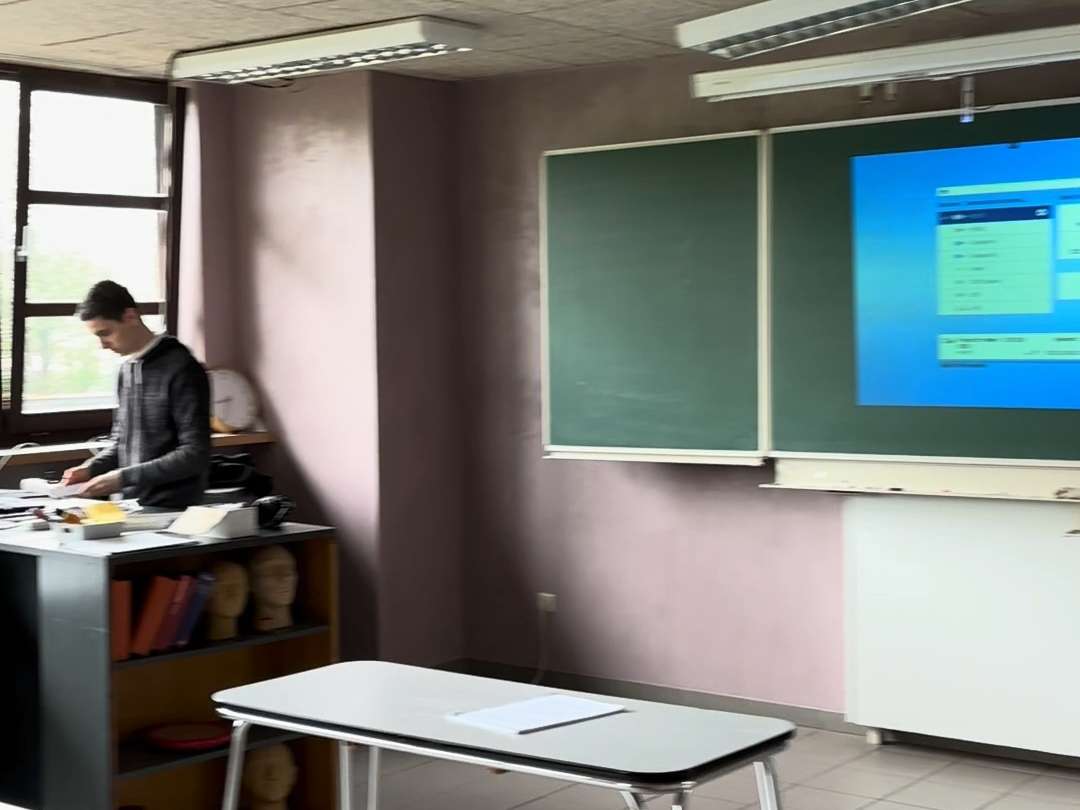
I arrived at the school at 08:30 with the bus and met up with my lecturer, Gene Vangampelaere, from Howest. After a bit of trouble finding the teachers, as all the doors were still locked, we were eventually let in and met up with Frauke, who would accompany us. We then headed upstairs to prepare before the students arrived.
Introduction and Presentation Start
When everyone had arrived and taken their seats, I was given a brief introduction before starting my presentation. I began with a short introduction to what cybersecurity is and why it is crucial to protect oneself. I also introduced myself and outlined how the presentation would proceed. To make the session interactive, I had prepared several demos to demonstrate the dangers of certain cybersecurity threats. I believe in a hands-on approach, allowing students to see everything for themselves.
Password Security
I started with the topic of passwords, explaining how they work and the importance of having a long and strong password. I quickly hashed a few strings with MD5 and then brute-forced them with John the Ripper so the students could see the effects of password length. Following this demo, I showed them how to use Multi-Factor Authentication (MFA) and a Password Manager, concluding this section by demonstrating how to check for password leaks on HaveIBeenPwned.
Understanding DNS, HTTP, and HTTPS
Next, I introduced the students to DNS, HTTP, and HTTPS. I explained how DNS works and how hackers could use DNS poisoning attacks to redirect targets to malicious websites. Additionally, I highlighted the differences between HTTP and HTTPS and why HTTPS is much more secure. To illustrate this, I captured a login POST request with Wireshark and showed the differences in the packets.
The Dangers of WiFi
I had prepared an extensive section on WiFi and the associated dangers. I began by explaining and demonstrating how WiFi devices constantly search for known access points and how such requests can be captured and used on wigle.net to find the location of access points. I then explained WiFi passwords' workings and cracked the WiFi password of a network I had specially set up for this demonstration.
Social Engineering: The Human Weakness
Although a short break was scheduled, the students were eager to continue, so I proceeded with the next part on social engineering, the most common attack vector for hackers. I showed and explained how people are the weakest link in a system and how they can be manipulated to gain access to systems. I displayed a few videos of people accidentally revealing their passwords and explained the different forms of phishing, how it has evolved, and its future growth. I also discussed deepfakes, showing a few videos, including one of the Queen performing a TikTok dance, and demonstrated some hacker devices, including my Flipper Zero.
The Importance of OSINT
To conclude the presentation, I discussed Open Source Intelligence (OSINT). I emphasized the importance of being mindful of what people share about themselves online. I demonstrated various tools, media, and methods that could be used to find information about someone and explained how this information could be dangerous and abused.
Conclusion
The presentation was a success, and I believe the students gained valuable insights into cybersecurity and protecting themselves online. It was a fulfilling experience to return to my old school and contribute to the students' education.